Stream the Method on Your TV
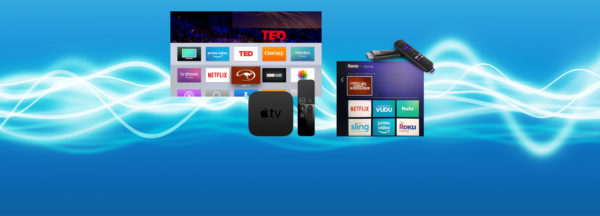
The digital kits and the Downunder Horsemanship app offer a whole new way to interact with the Method and make it possible to access training content at the barn and on the go. The missing piece to the Downunder Horsemanship digital revolution was the ability to stream content to a TV. That final piece is falling into place as we unveil the Downunder Horsemanship video streaming app!
The app is available for Apple TV, Android TV, and Amazon Fire. Simply add the Downunder Horsemanship video streaming app to your device and use the same login information you use for the Downunder Horsemanship app and the No Worries Club website to access your content.
You’ll be able to view all of the video content available on the Downunder Horsemanship app, and if you’re a member, the No Worries Club website, on your HDTV. From No Worries Club videos to training kits, you’ll be able to use your remote to play, rewind, fast forward and stop training content from the comfort of your couch.
Adding the Downunder Horsemanship Channel to Your Account
To add the Downunder Horsemanship channel to your account if you’re using Apple TV, Android TV or Amazon Fire, perform a search for “Downunder Horsemanship.” When the channel appears, click on it to add it to your lineup.
